
Inspect Logs and Events#
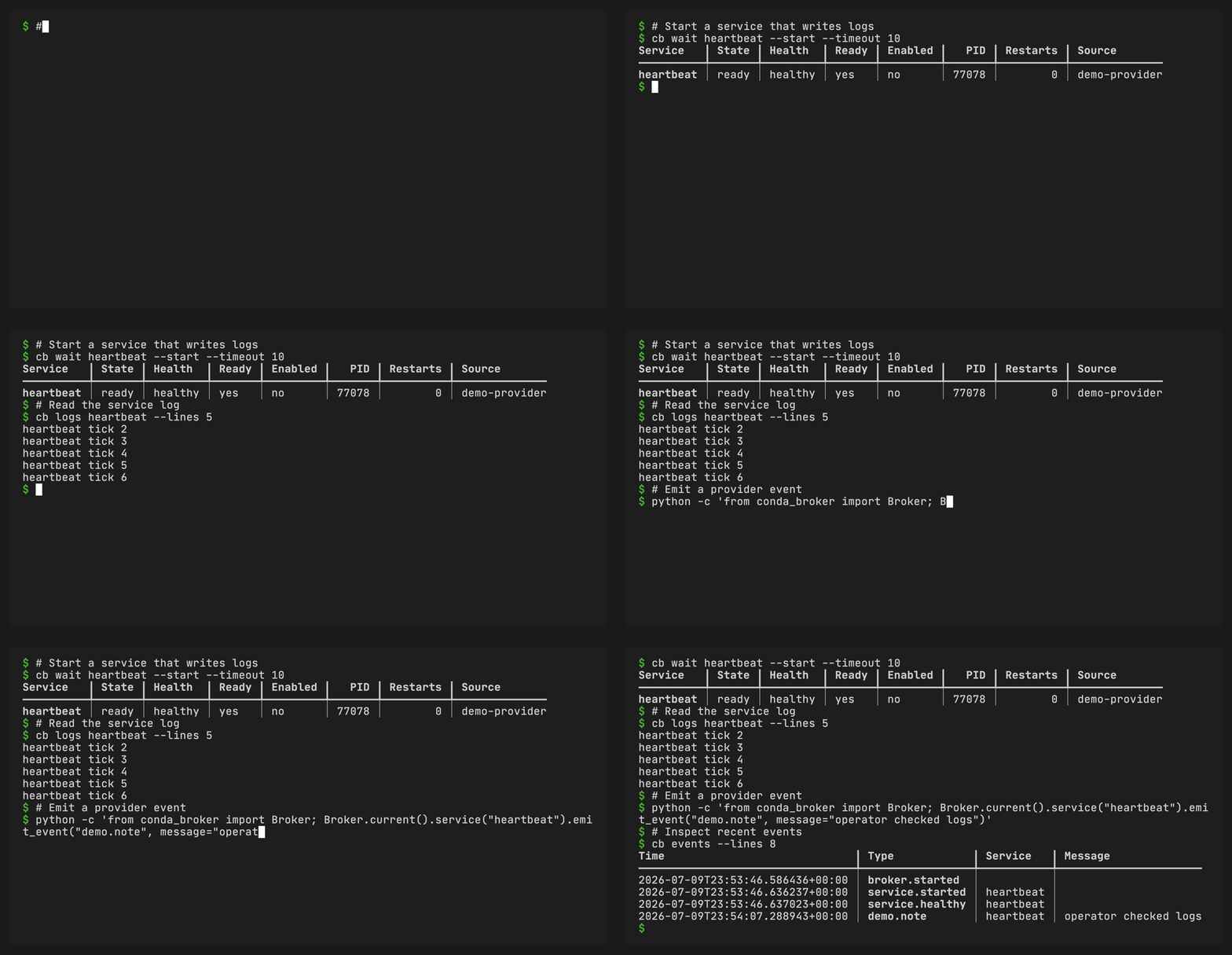
Logs#
Each service writes stdout and stderr to a service log file:
cb logs package-cache
cb logs package-cache --lines 200
cb logs package-cache --previous
cb logs package-cache --follow
JSON output returns a stable object:
cb logs package-cache --json
Follow mode with JSON emits JSON Lines:
cb logs package-cache --follow --json
Service logs rotate by size. Follow mode reopens the active log when rotation replaces it, so long-running terminals keep following the current service log.
Events#
Events are append-only records for broker lifecycle, service lifecycle, health transitions, restart scheduling, enable/disable changes, and events emitted by providers.
cb events
cb events --lines 100
cb events --follow
cb events --follow --json
Provider plugins can record events without starting the broker:
from conda_broker import Broker

Broker.current().service("package-cache").emit_event(
    "package_cache.warmed",
    message="ready",
)
When the broker is stopped, events are appended directly to the user runtime event file. When it is running, they are delivered through the authenticated localhost IPC endpoint.
Events rotate by size into events.jsonl.1. Event reads include the rotated
file before the active file, so recent history remains visible after rotation.