Build Locally#
Use local builds while iterating on runtime package sets, channel choices, or conda-ship runtime behavior.
Packaged local builds find the runtime template installed next to cs
automatically. When your manifest contains [tool.conda-ship].runtime-name, a
normal build is:
cs build
Source checkouts do not build a runtime template implicitly. Install
conda-ship from a package that includes cs-template, or pass
--template with an explicit prebuilt template.
Note
Most local users should install conda-ship from a package and let cs find the
installed cs-template. Use --template only for custom packaging,
cross-builds, or template debugging.
If you are changing a downstream distribution such as conda-express, keep the
package-set decision in that downstream project, then reproduce the build with
the cs CLI or the GitHub Action.
Check The Runtime Input#
When you want to check the selected source environment before building, run:
cs inspect
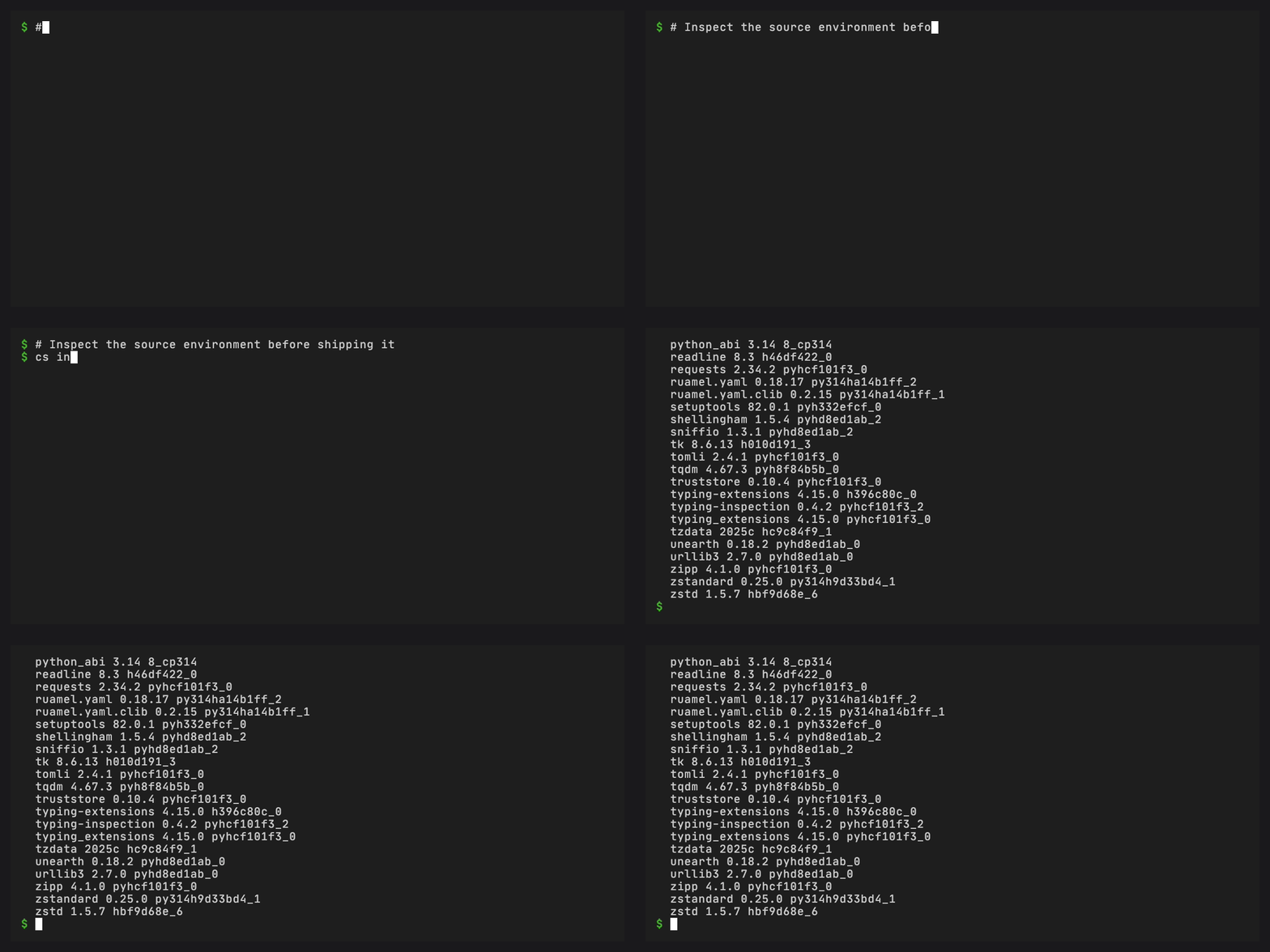
Inspect a source environment before shipping it.#
If you changed the configured source environment, refresh the source lockfile with the tool that owns the manifest:
conda workspace lock
cs inspect
Use this for conda.toml and pyproject.toml with [tool.conda].
pixi lock
cs inspect
Use this for pixi.toml and pyproject.toml with [tool.pixi].
CI can use JSON output for machine-readable preflight checks:
cs inspect --json
Use build --dry-run when you want to validate artifact names, template
selection, install settings, and bundle suitability without writing files:
cs build --dry-run
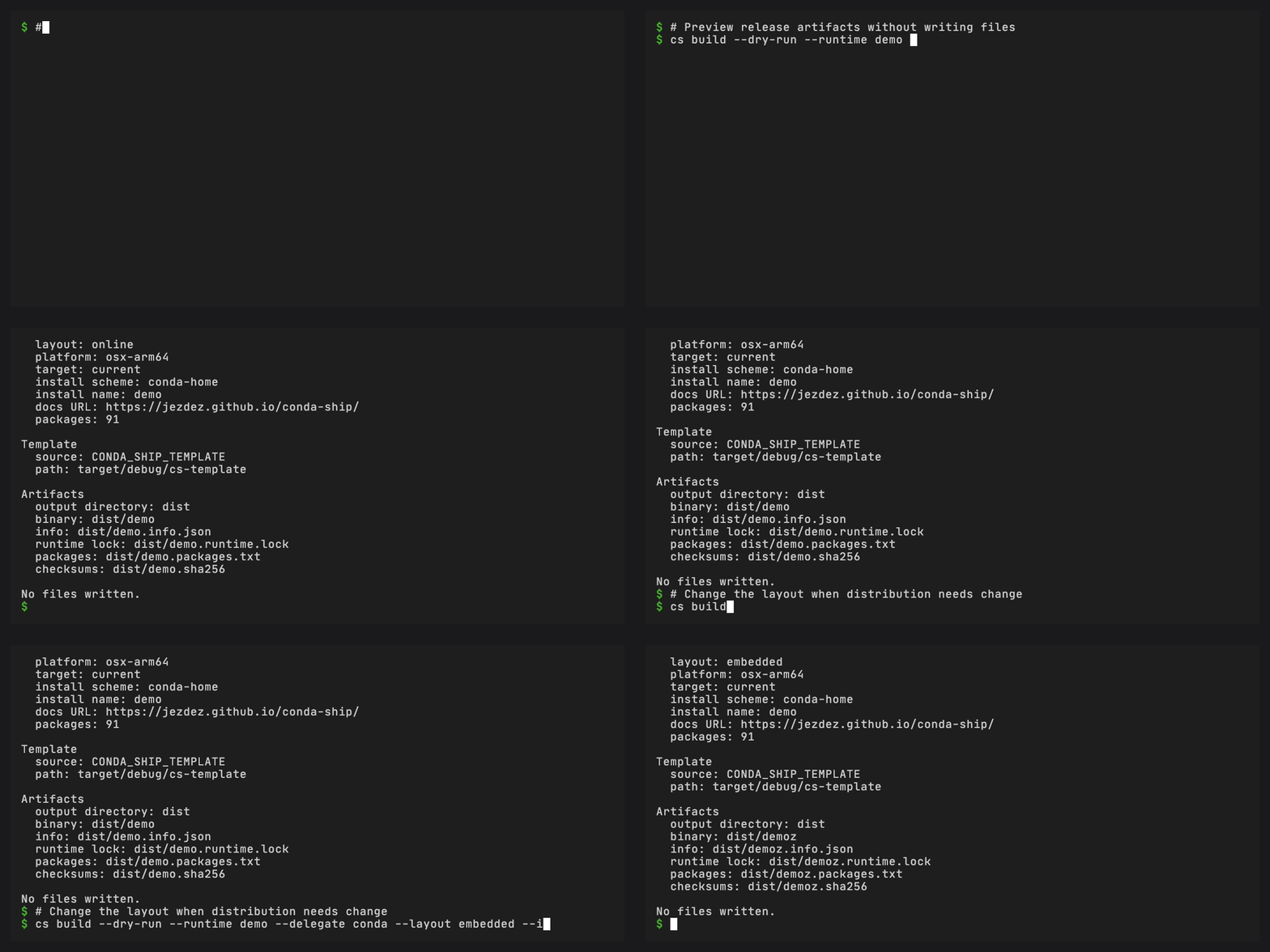
Preview runtime metadata and artifact names without writing release files.#
Build A Runtime#
[tool.conda-ship].runtime-name, [tool.conda-ship].delegate-executable,
[tool.conda-ship].source-environment, and a downstream runtime version are
required unless you pass the runtime, delegate, and version through CLI flags.
conda-ship does not provide default values for them. The version can come from
[tool.conda-ship].runtime-version, static [project].version, or explicit
project metadata resolution.
cs build
Use --out-dir to stage somewhere other than dist/:
cs build \
  --out-dir /tmp/cs-artifacts
Pass --template when you need an explicit release template asset, custom
packaging path, or cross-build template. conda-ship does not search PATH for
templates.
Run A Smoke Test#
Use cs run to build and immediately execute the staged runtime:
cs run \
  --install-path /tmp/demo-smoke \
  -- info
--install-path controls the managed prefix used by this smoke test. Everything
after -- is passed unchanged to the configured delegate after automatic
bootstrap.
Build For Another Target#
Pass a target triple, an artifact label, and a matching prebuilt template:
cs build \
  --runtime-name demo \
  --target x86_64-unknown-linux-gnu \
  --target-label x86_64-unknown-linux-gnu \
  --template ./cs-template-x86_64-unknown-linux-gnu
The target label is appended to staged artifact names and metadata files.
Keep Names Distribution-Specific#
Use a runtime name owned by the distribution you are building. For example,
conda-express uses cx as its runtime name and can set
artifact-name = "cxz" for a release artifact. A different distribution uses a
different [tool.conda-ship].runtime-name value or the --runtime-name override.
Run Release Checks#
Before publishing a conda-ship release, run the same local checks used for the release pass:
pixi run test
pixi run lint
pixi run -e test pytest
pixi run -e test ruff-check
pixi run -e test ruff-format-check
pixi run docs
cargo audit --deny warnings
cargo deny check
zizmor --persona auditor .
pixi run lint runs the repository’s prek hooks for Rust formatting and
clippy checks. Python checks remain explicit release-check commands in the test
environment.
cargo deny check enforces the repository’s Rust advisory, license, dependency
ban, and source policies. Duplicate dependency versions are warnings for now
because the rattler dependency graph still contains expected overlap.
After merging release preparation, run the Release workflow manually on the
exact commit that would be tagged. A manual run builds and verifies all native
assets, wheels, the source distribution, checksums, attestations, and the
composite action without publishing GitHub or PyPI releases. Create the release
tag only after that candidate run succeeds.